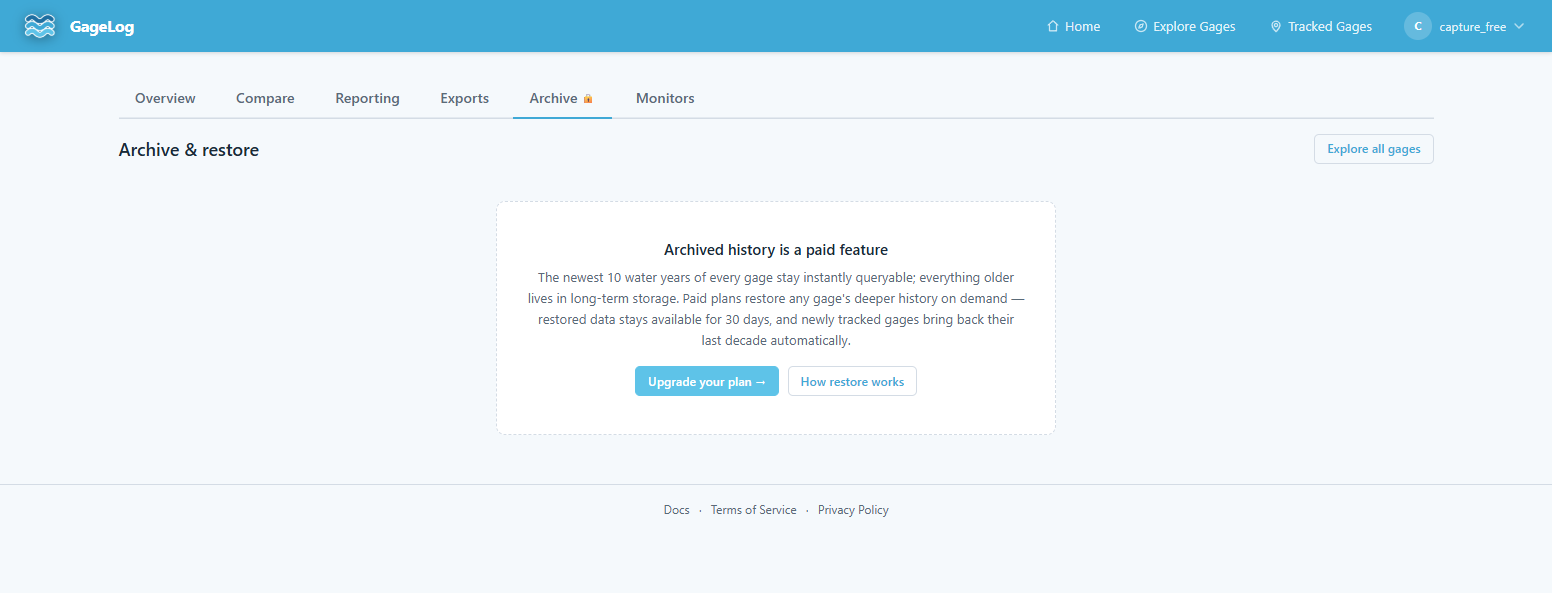
Archive & restore
GageLog keeps every reading it has ever ingested, but not all of it stays in the live database. The newest water years of each gage are always instantly queryable ("warm"); older readings move to long-term storage ("cold") and come back on demand. Restores are a paid-plan feature — free accounts see the Archive tab locked.
Warm vs cold
A gage's most recent water years stay in the live database — every chart, export, and API query hits them with no extra step. Water years older than the retention window are packed into per-water-year slices and moved to long-term storage. Daily summary statistics stay warm forever, so year-over-year charts keep working across the full record; it's the raw 15-minute readings that go cold.
The Archive tab
Two places show the same controls: the Tracked Gages dashboard's Archive tab (one card per tracked gage) and the Archive tab on each gage's detail page (scoped to that gage). Each card shows a water-year bar — hot years, warm restored spans, and cold storage — with a slider to choose how far back to restore.

Restoring a span
Pick "restore back N years" and start the restore. A background job pulls the cold slices back into the live database, oldest first, with progress reported on the card as it runs — most restores finish in a few minutes, scaling with the number of water years requested.

Once complete, the restored span behaves exactly like any other data — charts, exports, reporting workbooks, and API queries all see it. The warm span only ever grows while restores are live: a small follow-up restore never shrinks a larger one already in place.

How long restored data stays
Restored readings stay warm for 30 days, then return to cold storage automatically. Untracking a gage releases its restored data early — restores exist to serve your tracked set. Re-restoring later is always possible.
Auto-restore on track
Tracking a gage with archived history automatically restores its last decade of readings, so a newly tracked gage arrives with usable history instead of an empty chart. Auto-restores are best-effort: they count against the same daily quota as manual restores, and they're skipped when the span is already warm, when the quota is spent, or when the same gage was restored recently — tracking itself always succeeds either way.
Quotas
Restores are limited per rolling 24 hours: twice your plan's tracked-gage cap. The quota is sized so auto-restoring a full slate of newly tracked gages still leaves a manual restore per slot. Failed restores count against it. The Archive tab shows how much quota remains.
Plan access
Archive restores are included on all paid tiers; the Plans page has the full matrix. On the Free plan the Archive tab stays visible but locked — recent water years remain fully queryable, only the deeper cold history needs a paid restore.